
Ideal Angles for Remote Workstations
These reference diagrams show recommended positions for common home office setups. Adjust based on your available furniture.
Monitor Height
Top of screen at or slightly below eye level
Use books or a stable box to raise your monitor if needed. The screen center should align with a natural downward gaze.
Chair & Posture
Hips slightly above knees, feet flat
Sit back in your chair with lumbar support from a rolled towel. Keep thighs parallel to the floor when possible.
Arm Placement
Elbows at 90–100 degrees
Forearms should rest parallel to the floor while typing. Adjust chair height or use a cushion to achieve this angle.
Keyboard Distance
Arms length from screen center
Place the keyboard close enough that shoulders remain relaxed. Wrists stay neutral, not bent upward or downward.
Adjustments Without a Standing Desk
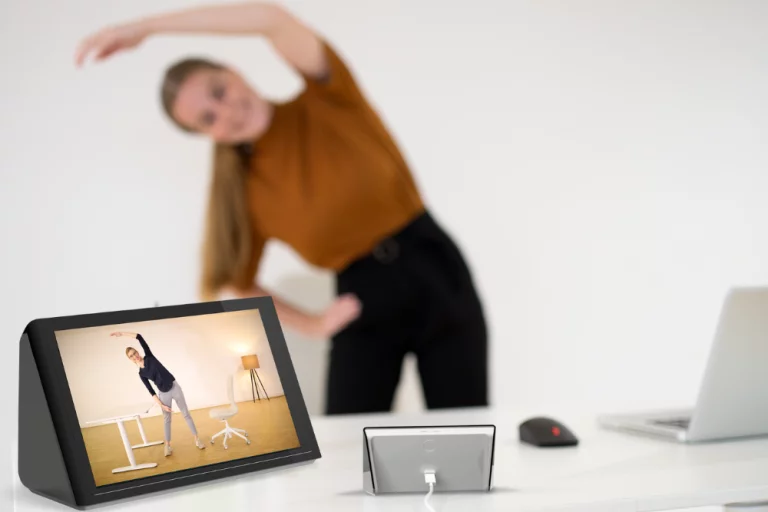
If you do not have a height-adjustable desk, perform these brief movements every hour: stand and reach overhead, roll shoulders backward ten times, and walk to another room for water.
These small shifts complement the active break loops available in our intermission hub.
Open Breakroom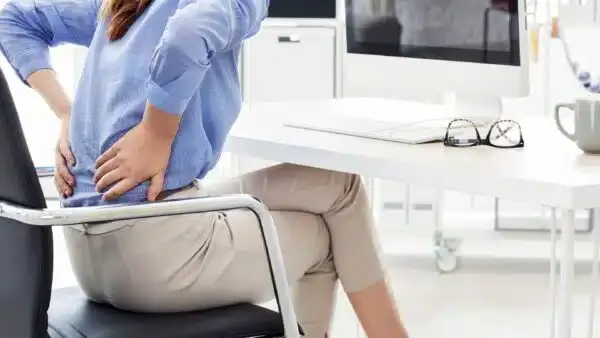
Common Items That Help
Stacked Books
Raise your monitor to eye level using hardcover books or a sturdy box under the stand.
Lumbar Roll
A rolled towel or small cushion behind your lower back supports natural spinal curvature while seated.
Natural Light
Position your desk perpendicular to windows to reduce screen glare and eye strain during long sessions.
Download the Full Blueprint Guide
Our detailed ergonomics PDF covers additional setups for dining tables, couch workstations, and shared home spaces.
View Products